> For the complete documentation index, see [llms.txt](https://docs.pushpushgo.company/llms.txt). Markdown versions of documentation pages are available by appending `.md` to page URLs; this page is available as [Markdown](https://docs.pushpushgo.company/campaigns/push-campaign/create-campaign/time.md).
# Time
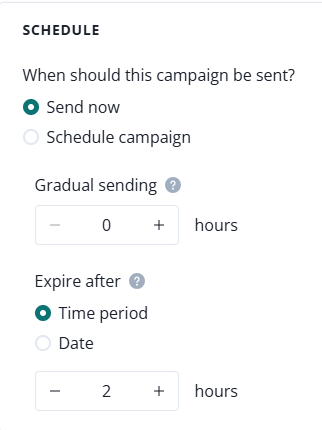
In this section, you can specify the time of sending the campaign. Choose 'Send now' to apply the default expiry settings and send the campaign right away.
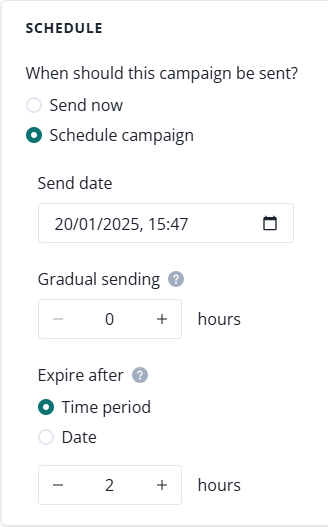
When you choose 'Schedule campaign' you can pick the time of the campaign's dispatch as well as the expiration time.
The campaign's expiry date is particularly important when sending notifications regarding information that may be time-sensitive, like limited promotions or news. The expire date can be set between 1 hour and a maximum of 72 hours.