> For the complete documentation index, see [llms.txt](https://docs.pushpushgo.company/llms.txt). Markdown versions of documentation pages are available by appending `.md` to page URLs; this page is available as [Markdown](https://docs.pushpushgo.company/campaigns/push-campaign/create-campaign/drafts.md).
# Drafts
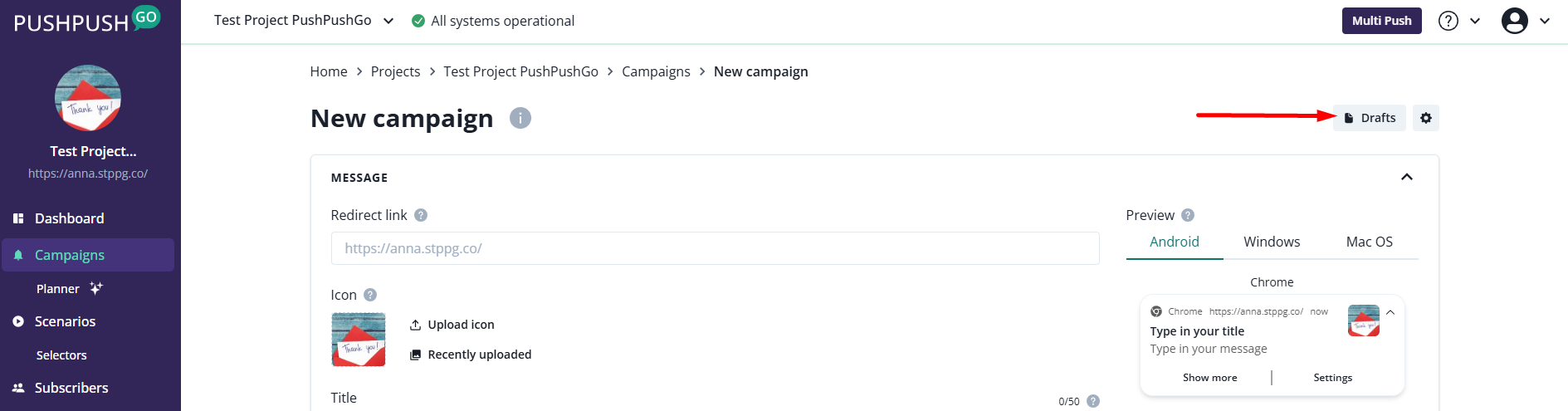
Campaigns saved as a drafts are available in the campaign creator after clicking the "Drafts" button:
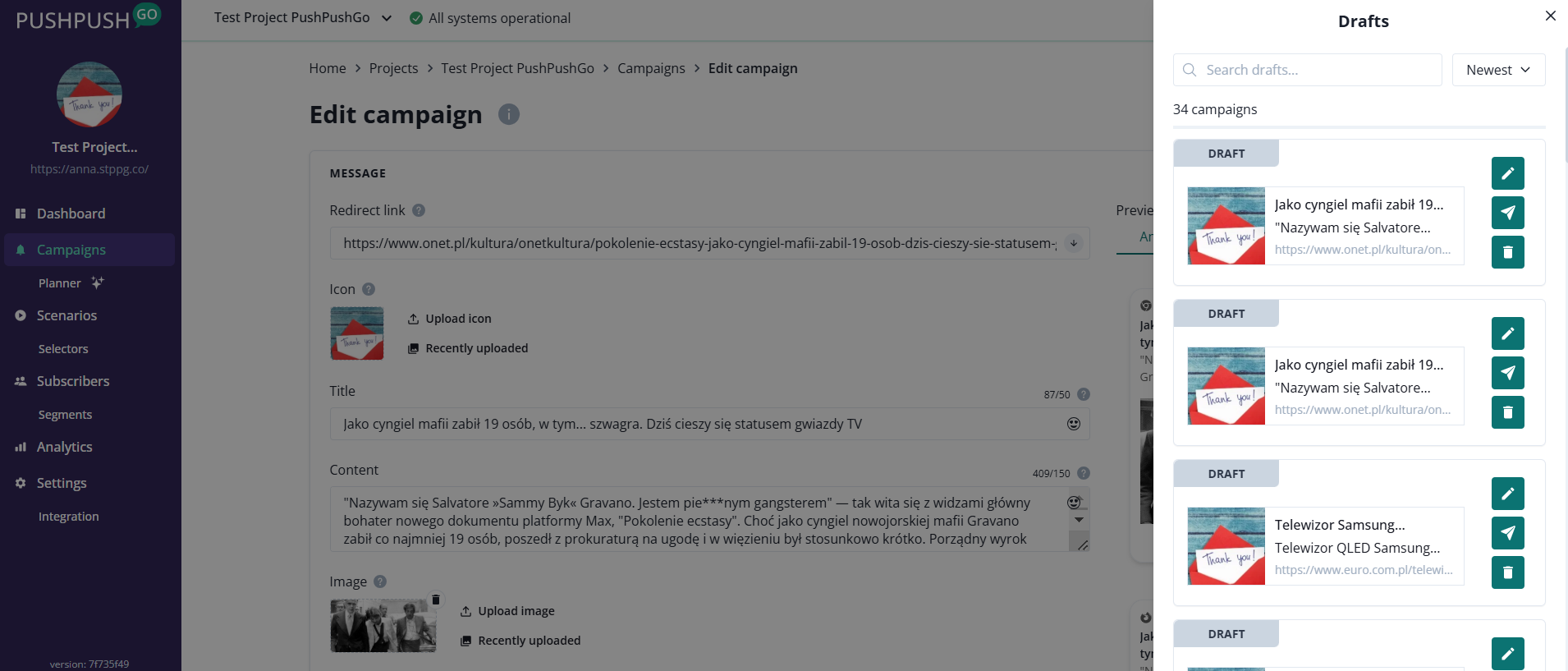
After clicking the button, a list of all saved drafts will appear on the right side.
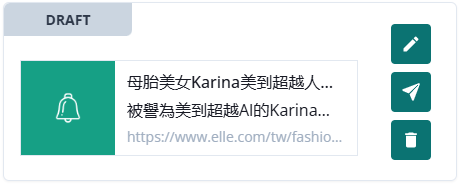
Every campaign has the following action buttons:
* Edit draft
* Copy and send draft
* Delete draft